Social grids
Clean, gallery-style layouts sized for feed posts, carousels and profile grids.

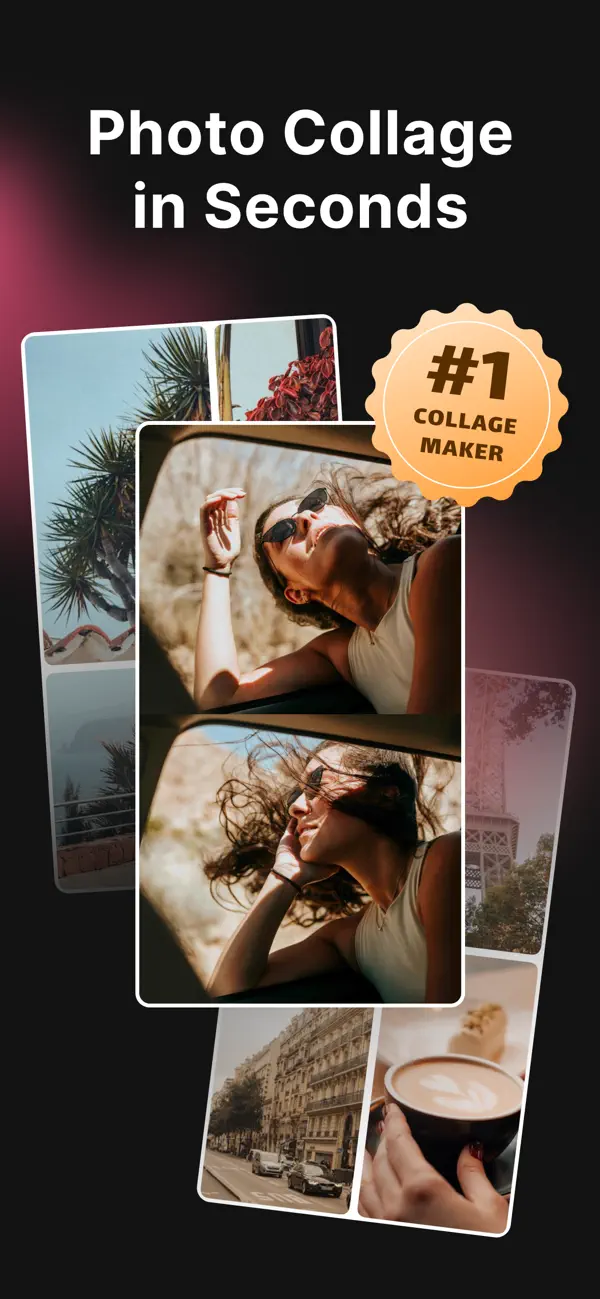

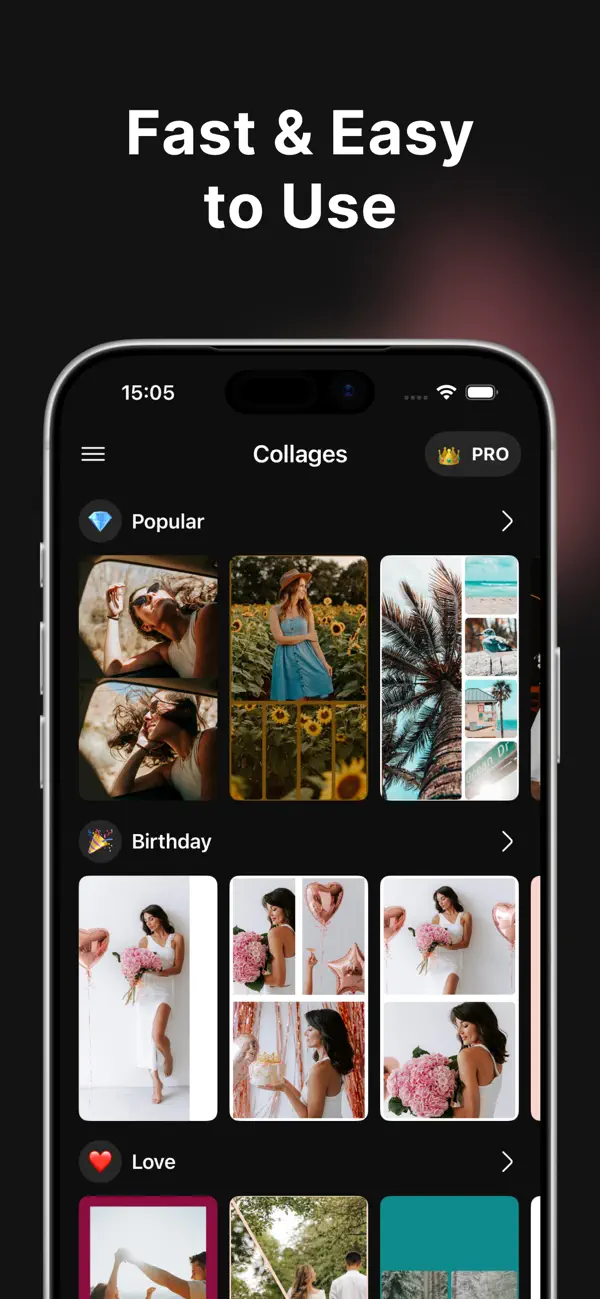

Whether you're recapping a weekend, building a brand moodboard or teasing a new drop — the tools scale from a quick two-photo grid to a layered editorial composition.
Clean, gallery-style layouts sized for feed posts, carousels and profile grids.
Grids and expressive frames for moodboards that feel handmade.
Search Unsplash and Pexels from inside the app to fill any empty tile in seconds.
Adjust spacing, backgrounds and borders until it clicks.
Warm film tones, crisp mono, punchy contrast. Match photos to a single mood.
Sharp, high-quality output ready to share.
Import from your camera roll, or search Unsplash and Pexels for stock imagery that fills the gaps. Choose the photos you want to bring together, then explore layouts that suit the story.
Start from a ready-made template, a clean grid or an expressive frame. Rearrange tiles until the composition feels right.
Tune spacing, borders, backgrounds and filters. Export in high quality to Instagram, Reels, TikTok or Messages.
Suggested output formats to match where your collage will actually live. Pick a canvas first — everything else gets easier.
Balanced compositions that read cleanly at any zoom level in the grid.
A popular portrait format for feed posts and story-led layouts.
Vertical canvases that fill the screen and leave room for captions and text.
Overlap, tilt and layer to design a mood, not just a picture.
Multi-photo layouts made to summarize a trip in one shareable frame.
Split and side-by-side layouts to show a transformation clearly.
Pick one hero photo and let the rest support it. Vary tile sizes so the eye lands somewhere clear first.
Uniform gutters make collages read as intentional. If you break the rhythm, break it decisively — not by a pixel.
Two or three dominant colors across all photos usually beat six. Match photos to a mood before you place them.
White or textured backgrounds around tighter clusters read better than edge-to-edge grids on almost every platform.
Vertical canvases for Stories, Reels and TikTok. Square or 4:5 for feed. Preview your chosen platform format before you export.
A shared border, a recurring frame, one warm filter — small repetitions turn a collage into a set.
Free on the App Store for iPhone and iPad. Requires iOS 17 or later.